
There is a fairly new, free plugin that can seriously juice up your site speed. In some cases it will dramatically speed up your site and improve your Core Web Vitals metrics. Before you go anywhere near it, though, read the warning below.
Warning: do not use this on cheap hosting
Do not use this plugin if you are on cheap or poor quality hosting, or if you don’t have a CDN. If you do, you are highly likely to simply crash your site due to the additional load. The plugin puts 3 to 5 times the load on your hosting, so if your hosting is already marginal this will push it over the edge.
If you are on one of our maintenance plans, we have already rolled this plugin out to you or are in the process of doing so.
The plugin: Speculative Loading
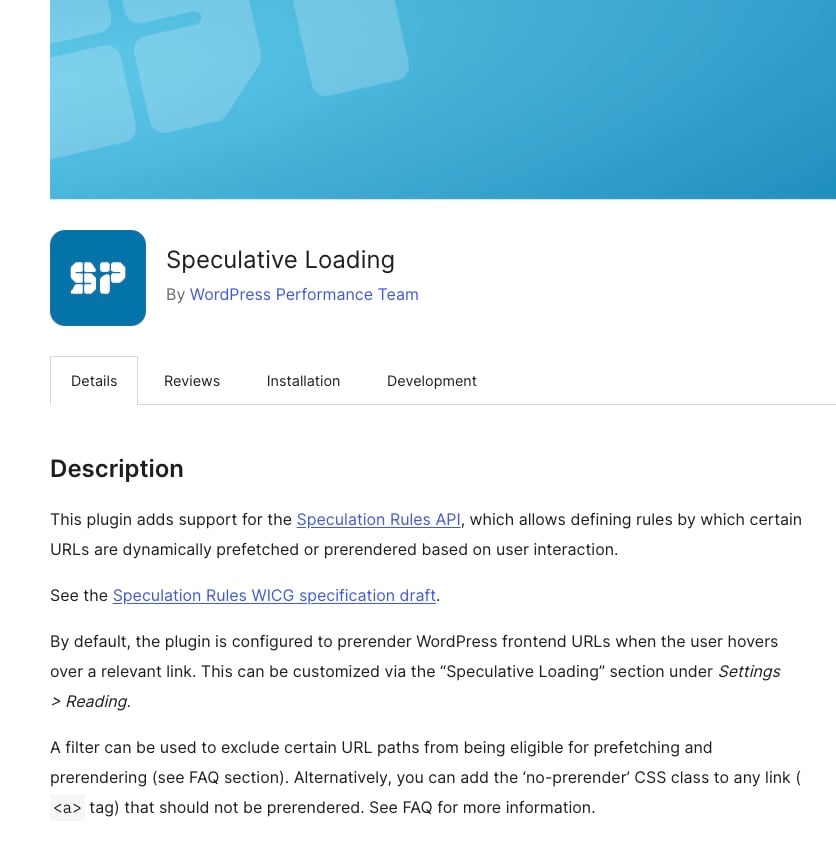
The plugin is called Speculative Loading: https://wordpress.org/plugins/speculation-rules/
It is a stupid name and straight up bad marketing, but it is built by the WordPress Performance Team and is rock solid. It takes advantage of something called the Speculation Rules API (yes, more stupid names and bad marketing).
In a nutshell, the plugin background loads all the pages linked from the page a visitor is on, in a hidden browser tab. For years we have deployed something called Just In Time preloading as part of our speed optimisations (see instant.page for an explanation), but this plugin does a level of preloading well above that and loads entire pages in the background.
The net effect is that when the user clicks through to a new page on the site, it should already be fully cached in their browser and load almost instantly. This will dramatically lower your TTFB, FCP and LCP metrics in most cases. The trade-off is the 3 to 5 times extra load on your hosting mentioned above, so be mindful if you are on poor quality hosting or don’t have a CDN.
How to install and configure it
The configuration is quite simple.
- Install and activate the plugin.
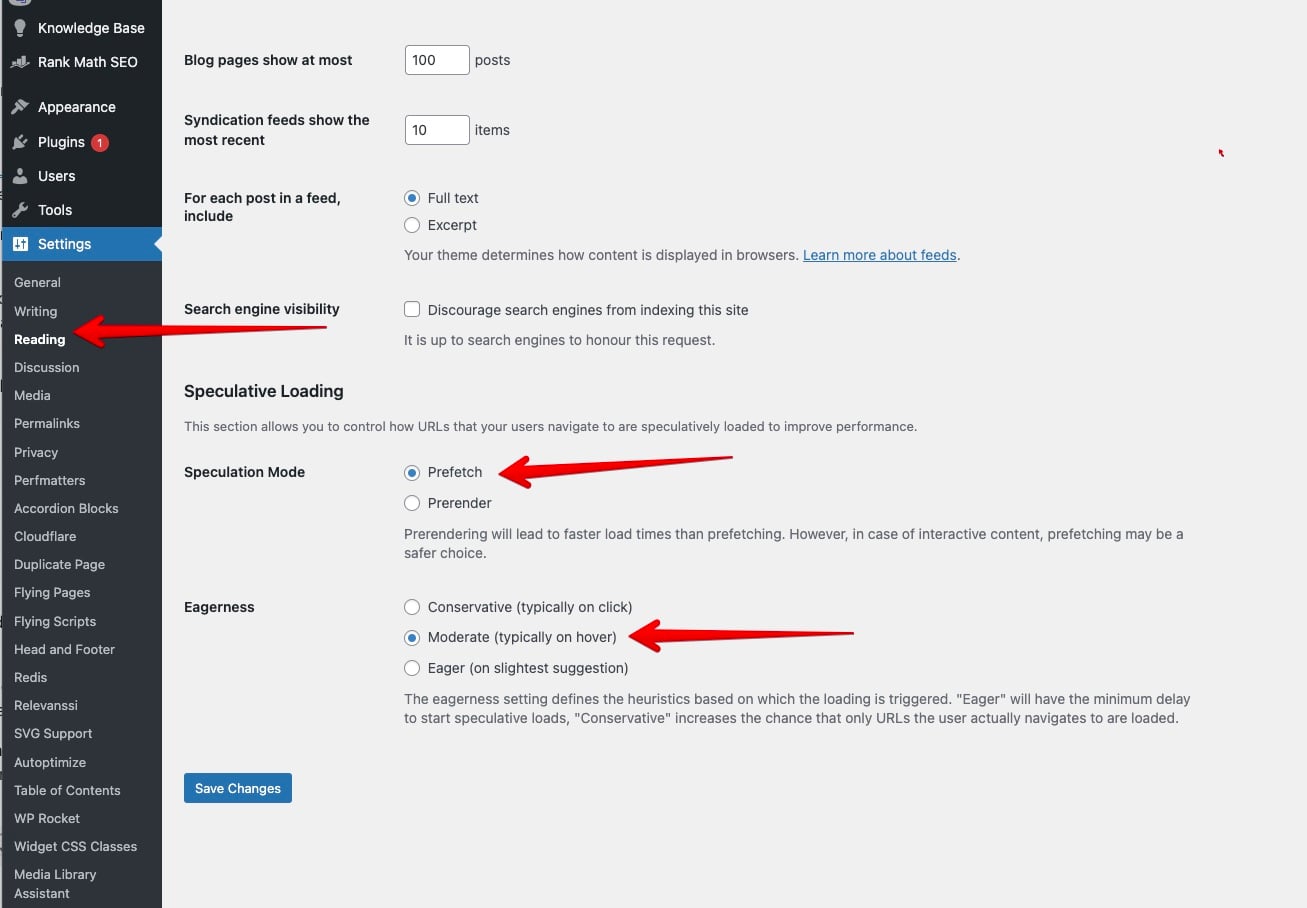
- Configure the plugin as per the screenshot below.
Do not use the Prerender option if analytics are important to you. The Prefetch option background loads the entire page but doesn’t execute any of the JavaScript on it, which is what we want. The Prerender option loads the page and executes all the JavaScript, which means it fires your analytics code, ad tracking code and so on. It will look like the visitor loaded every page on the site and wreak havoc with your analytics data.
If your hosting can take the extra load and you have a CDN in front of the site, this is one of the easiest speed wins available right now. If it can’t, fix the hosting first.
This article was first sent to the WP Speed Fix email list. Subscribe here to get the next one in your inbox.