
The majority of customers we talk to want to fix their site speed to improve their SEO, which makes sense. Who doesn’t want more traffic for free? What I want to cover here is something we call “hidden SEO”: simple fundamentals, commonly overlooked, that can make a huge difference to traffic when addressed properly.
These hidden SEO issues show up on almost every technical SEO audit and site speed review we do, even when there is an SEO agency looking after the site. They are usually quite easy to fix and fairly low effort compared to something like chasing high quality backlinks. It is almost free money.
Table of Contents
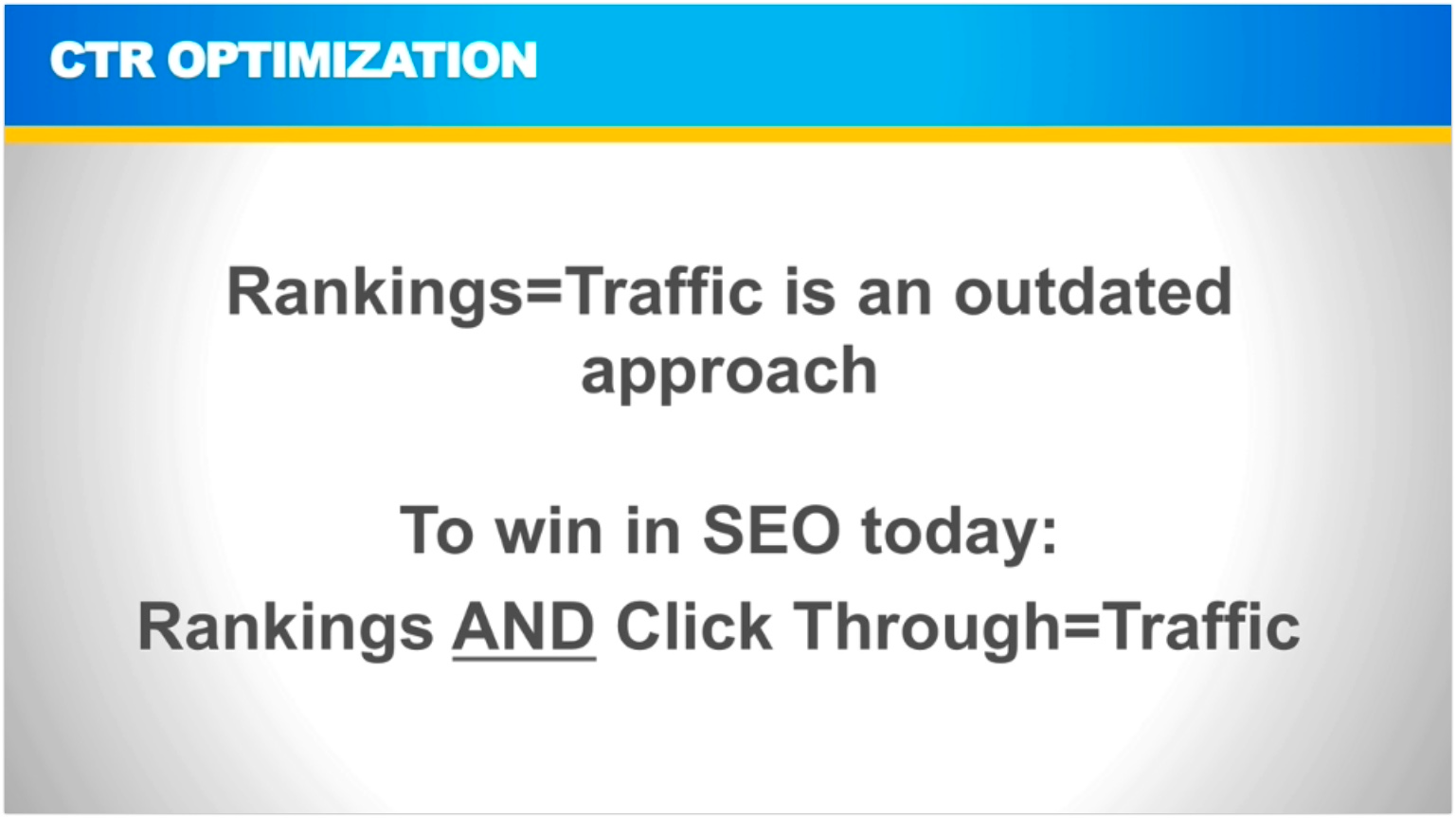
Rankings are not traffic
There is a common misconception in SEO that rankings equal traffic. They don’t. Taking a page from a 2% click through rate (CTR) to a 3% CTR is a 50% increase in traffic without any increase in rankings. It is essentially a free optimisation.
CTR improvements are fantastic because they typically cost very little and are near invisible to your competitors, so they are far less likely to be copied. The two places we see the biggest gaps are open graph images and meta descriptions.
Open graph images: the hidden SEO element most sites miss
Checking whether you are missing this one should take you three minutes tops:
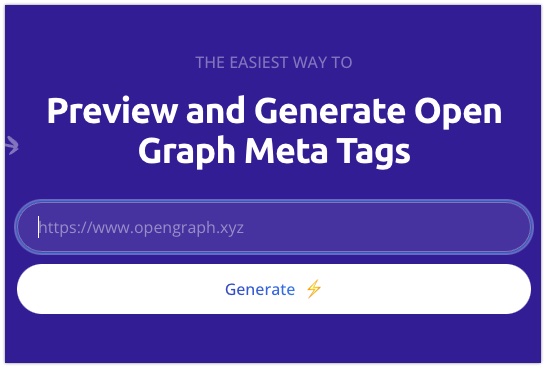
- Go to opengraph.xyz
- Enter your web address and click Generate
- You will see how your homepage looks when shared on the socials (Facebook, Twitter and so on), how it appears in messenger apps, and sometimes even the image that displays for the site in the search results (more likely on a mobile search)
- How does it look? Good? Bad? Nothing showing at all?
The image that shows here is called an open graph image and it is what gets used when a preview of your site shows up on any platform where links are shared. If you don’t have an open graph image specifically set for a page, a random image from the page will be used and it often won’t look great. Very often this field is just set to the company logo, which is a missed opportunity.
Where your site gets a lot of social traffic, or where you are in a competitive SEO space, a well designed open graph image can significantly boost CTR. Think of it almost like a free Facebook ad: you want a mix of image and text that entices someone to click, and ideally a custom open graph image for each important page on your site.
Here are a few examples of open graph images done well (each link opens a preview in the opengraph.xyz tool):
If opengraph.xyz throws an error for your site, try Facebook’s open graph debugger. It is a little more technical but it can help debug issues with open graph images and code.
How to set up open graph images properly
- You are going to need an image. If you have a designer or someone managing Facebook ads they will be able to easily create one for you. If you are DIYing it, Canva is a great tool for this. Generally we’d say use something high contrast with a 50/50 mix of text and image, and think of it like marketing copy or a Facebook ad.
- Set the image on the homepage. You can usually do this on the social tab of the SEO box when editing your homepage.
- Set a sitewide default image. This is the bit many people miss. Both Yoast and Rankmath can display a default image when one isn’t set at the page level, and you set this in the plugin settings. Using the homepage image as the sitewide default is an easy way to cover the whole site in one go.
- Repeat the process for your key pages.
- Update your page publishing process or checklist to include this check before pages go live.
If you have a big site or want to automate this, Placid or Bannerbear can autogenerate open graph images for you and are well worth a look. Even if you don’t use these tools there are some good examples if you poke around their sites.
Meta descriptions: more traffic from the rankings you already have
The same principle applies to meta descriptions. We have a short video from an old webinar training which is still as relevant today as when it was recorded. It shares some of the CTR optimisation techniques we refined in our SEO agency after 15+ years of doing SEO for clients.
The video breaks down in detail how to generate more traffic from your existing Google rankings by improving CTR. It uses an ecommerce example but the concepts apply to all sites. It goes for about eight minutes and is easy to follow.
Watch the meta description training here
There are a few tools we use for this now that didn’t exist when the training was made:
- Storybase CTR tool: if I had to make a tool to go with the video, this would be it. We have a more rudimentary version built into SiteSpeedBot, our free speed test tool, which gives you detailed site speed and SEO insights in around 90 seconds.
- Jasper: an AI writer tool that is great for generating base content ideas when refining copy for CTR.
Don’t stop at the click
Once the click lands, inverted pyramid writing and using an “early close” in your copy can make a huge difference to the overall engagement of a page and help combat the rise of AI content. I have written about both in how to write better content.
None of this is complicated. Check your open graph images, set a sitewide default, rewrite the meta descriptions on your most important pages for clicks, and you will usually see more traffic from exactly the same rankings. If you want a deeper dive on your SEO, our SEO Audit service is usually the best place to start, and if you don’t need the full audit, our Google Search Console audit service may be a better fit.
This article was first sent to the WP Speed Fix email list. If you would like tips like this in your inbox, you can subscribe here.